

Compare Top CRM Tools
-
 Compare leading CRM platforms by usability, flexibility and business fit
-
Explore pricing, automations, integrations and key features


Plans start
at $12 user/month
9.8

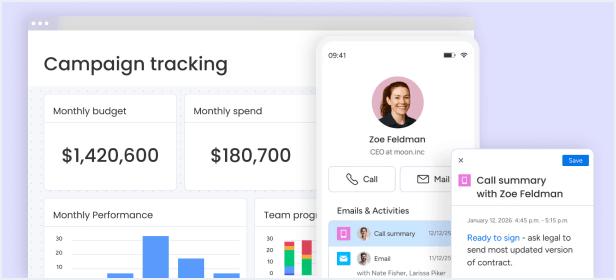
Best for: Teams that are just getting started with managing all tasks and work in one place.
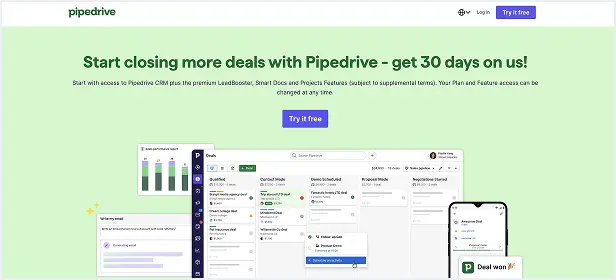
Best for: For growing teams that need core CRM tools to manage leads, emails, and sales workflows.
Best for: Growing teams ready to scale sales with advanced CRM tools.
Best for: Enterprises that need custom workflows, advanced controls, and scalability.
-
 AI-powered email writing and content generation
-
Create tasks automatically from meetings and notes
-
AI insights to help prioritize opportunities
-
Automated follow-ups across the sales pipeline
-
Automated sales sequences and follow-ups
-
Custom pipelines tailored to your sales process
-
Real-time dashboards to track performance







Our Top Choice
Plans start
at $12 user/month
9.8
Best for: Teams that are just getting started with managing all tasks and work in one place.
Best for: For growing teams that need core CRM tools to manage leads, emails, and sales workflows.
Best for: Growing teams ready to scale sales with advanced CRM tools.
Best for: Enterprises that need custom workflows, advanced controls, and scalability.
-
AI-powered email writing and content generation
-
Create tasks automatically from meetings and notes
-
AI insights to help prioritize opportunities
-
Automated follow-ups across the sales pipeline
-
Automated sales sequences and follow-ups
-
Custom pipelines tailored to your sales process
-
Real-time dashboards to track performance
Read Full Review

Compare Top CRM Tools
9.8
Pros
- Intuitive drag-and-drop interface
- Manage the full customer journey
- Highly visual dashboards and reporting
- Easy to customize without coding
- Fast setup and onboarding experience
- Real-time collaboration across teams
- Mobile access for managing deals anywhere
Cons
- Requires a minimum of 3 users
- Advanced features are limited to higher plans
- AI features may require additional credits

9.4
Pros
- Simple visual sales pipeline
- Useful reminders, reports and forecasting
- Easy to learn and navigate
- Strong fit for sales-focused teams
Cons
- Not as broad for full customer management
- Project management is more limited
- Add-ons can increase the final cost
Customer Feedback
I am very happy with the fact that there is a basic start and then I can customize the boards to our needs with lots of automations that help us be on top of everything all the time and with a dashboard for management
Its flexibility and automation power: if we spot a recurring task, we can automate it—e.g., a qualified lead automatically spawns a deal, contact, and account, cutting manual entry. The leads/deals structure is clear, with statuses like “live,” “qualified,” “unqualified,” and “lost” that keep focus and follow-ups tight. Customizable fields and activities plus Gmail integration centralize communication and records. Even though still evolving, dashboards and early AI columns are already yielding useful pipeline and forecasting insights.
My absolute favorite thing is the follow-up dates. I would be lost without them! It helps me avoid letting customers fall through the cracks and helps me monitor the frequency at which I reach out. I also love the notes section – keeping everything all together eliminates my worry about lost details. I also love that you can seamlessly move leads to deals and track delivery dates. It is a great product to communicate within a sales team. We all use this every day from the time we arrive at work until closing time! It took us a bit to learn the features we use, but once we learned, it is very user-friendly!